
Weather & Navigation
Professional Ship Simulator weather and navigation guide: Realistic, Custom, Scene and Dynamic modes, storm fronts, sea states, night work with seamarks, real charts and NMEA or GPX routing.
Introduction
Weather in Professional Ship Simulator is a system rather than a visual filter, and treating it as decoration is one of the quickest ways to end a contract early. The sim models moving storm fronts, wind shifts, currents and sea states, and it can optionally pull real-time weather data for the region you are sailing in, which means conditions change for reasons that have nothing to do with you. Four weather modes give you control over how much of that you want: Realistic for the full experience, Custom for setting conditions deliberately, Scene for whatever the scenario designer intended, and Dynamic for weather that evolves as you sail. Layered on top are a day and night cycle where seamarks and navigation lights become your primary references, real nautical charts and buoyage, AIS traffic with CPA and TCPA for planning give-way manoeuvres, and NMEA or GPX support for external plotters and route planning.
Weather Modes and Conditions
| Mode | What It Does | Best For | Difficulty |
|---|---|---|---|
| Realistic | Full weather simulation, optionally using live regional data | Career play and honest practice | C |
| Custom | Conditions you set deliberately before sailing | Targeted practice such as heavy-weather berthing | B |
| Scene | Whatever the scenario author configured | Tutorials and fixed challenges | A |
| Dynamic | Weather that evolves and changes while you sail | Long passages where planning matters | C |
Weather & Navigation Essentials
Weather Modes
Choosing how much unpredictability you actually want on a given passage.
Seamarks and Charts
Real buoyage and survey data doing the work your eyes cannot at night.
Sea States and Visibility
Fog, rain, snow and heavy swell each change what the vessel will do.
AIS, CPA and Route Planning
Turning traffic information into a small list of decisions you must actually make.
Core Mechanics
Navigation in this simulation is a continuous loop of observation and adjustment rather than a single act of plotting. You read the weather broadcast for the forecast, compare it with what the sky and sea are actually doing, then use the charts, seamarks and buoyage to keep the vessel in safe water. Radar with AIS supplies the traffic picture, and CPA with TCPA converts that picture into decisions about which contacts require action. At night the reference set changes: unlit landmarks disappear, lateral and cardinal marks and vessel lights carry the entire burden, and the echo sounder becomes a much closer friend. External tools extend this loop rather than replacing it, with NMEA protocol support feeding real plotters and GPX import and export letting you prepare routes outside the sim and bring them in.
Advantages
The weather system is what makes long passages interesting, because it forces you to plan rather than react. A moving front brings a wind shift and building sea state, and a captain who checked the forecast and the broadcast arrives with a plan already formed. Charts built from real survey data mean the approaches behave the way the documentation says they should, so studying a harbour genuinely pays off. The optional live weather data adds a layer of unpredictability that keeps even familiar routes fresh, and because conditions can be set deliberately in Custom mode, you can rehearse exactly the situation you are worst at instead of waiting for it to happen.
Challenges
The honest downside is that weather makes the simulation considerably harder, and Early Access players report that rough conditions can turn a routine crossing into a genuine planning problem with little margin for error. Live weather data introduces a dependency on an external feed, so conditions may not always match what you expect from the local forecast. Navigation also assumes a level of chart literacy that the sim does not teach directly — you can be punished by a seamark you did not recognise well before anything explains it. Finally, GPX and NMEA integration is only as useful as the external tools you bring to it, and those are outside the game entirely.
Frequently Asked Questions
Which weather mode should I use while learning?+
Do I need to understand real charts to navigate?+
What can I actually do with NMEA and GPX support?+
Quick Tips
Check the weather broadcast before every departure, even on a route you have run a dozen times. Conditions change between sessions, and a forecast is the only warning you will get about a front that is going to arrive halfway across your passage. Then repeat the same approach at night so that the darkness is the only new variable you are managing.
Practise one heavy-weather approach in Custom mode for every hull you own. Learning how a specific vessel behaves in a strong beam wind, with no contract at stake, is far cheaper than discovering it during a paid job with a loaded cargo. Note the wind direction and strength before every departure, because it determines which approach you should decline.
Learn the buoyage before you need it in the dark. Spend a daylight session identifying lateral and cardinal marks as you pass them, so that at night you are confirming a known pattern rather than reading a code for the first time. Practise in Custom mode first, so that a mistake costs you a practice run rather than a paid contract.
Featured
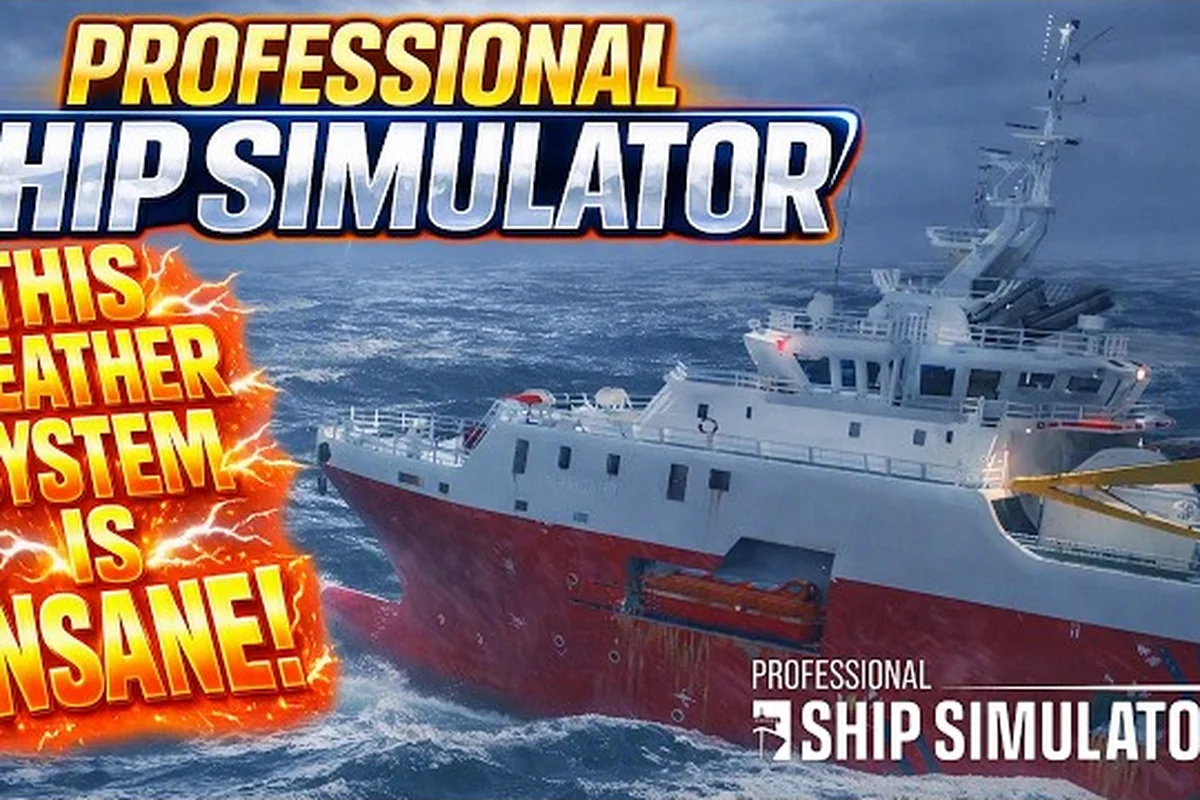
Professional Ship Simulator Rough Sea Handling Tips
Stay afloat in Professional Ship Simulator rough sea handling by adapting to rolling swells, storm penalties, and radar quirks.
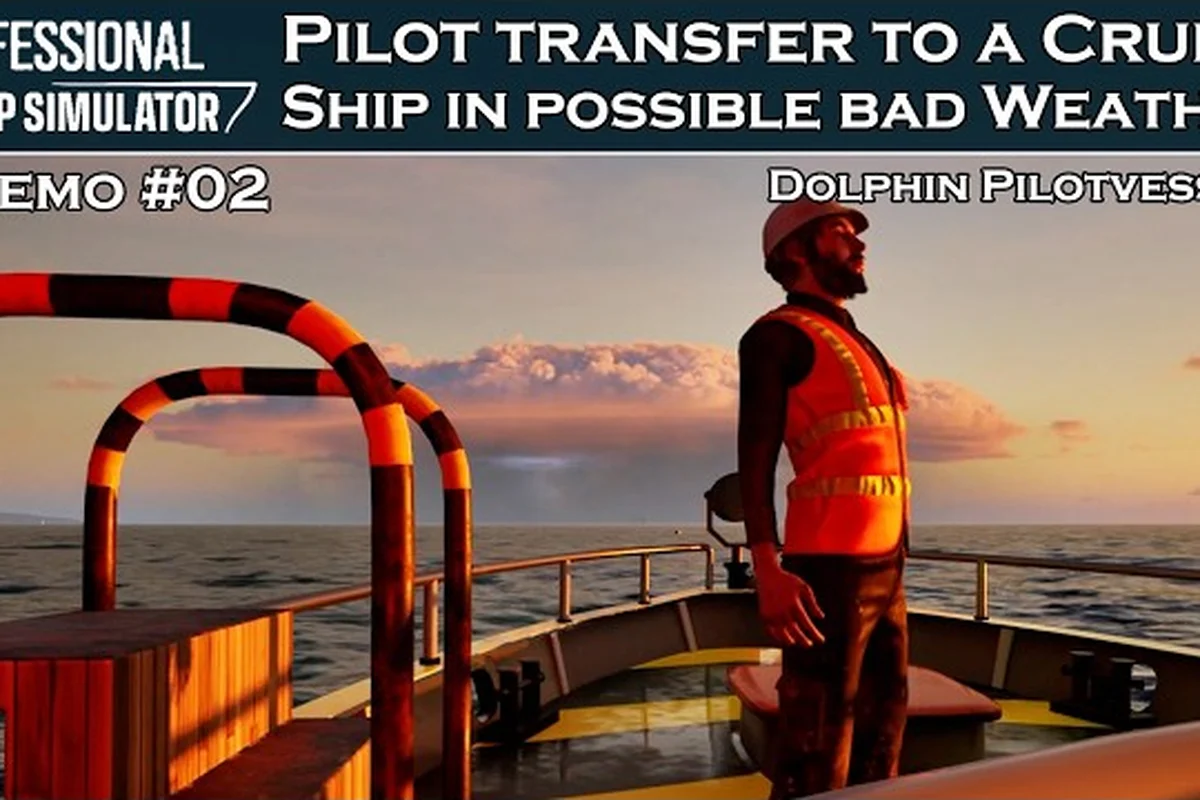
Professional Ship Simulator Weather Broadcast: Ch 20
Tune into radio channel 20 in Professional Ship Simulator weather broadcast mode to hear live forecasts and plan your next voyage.
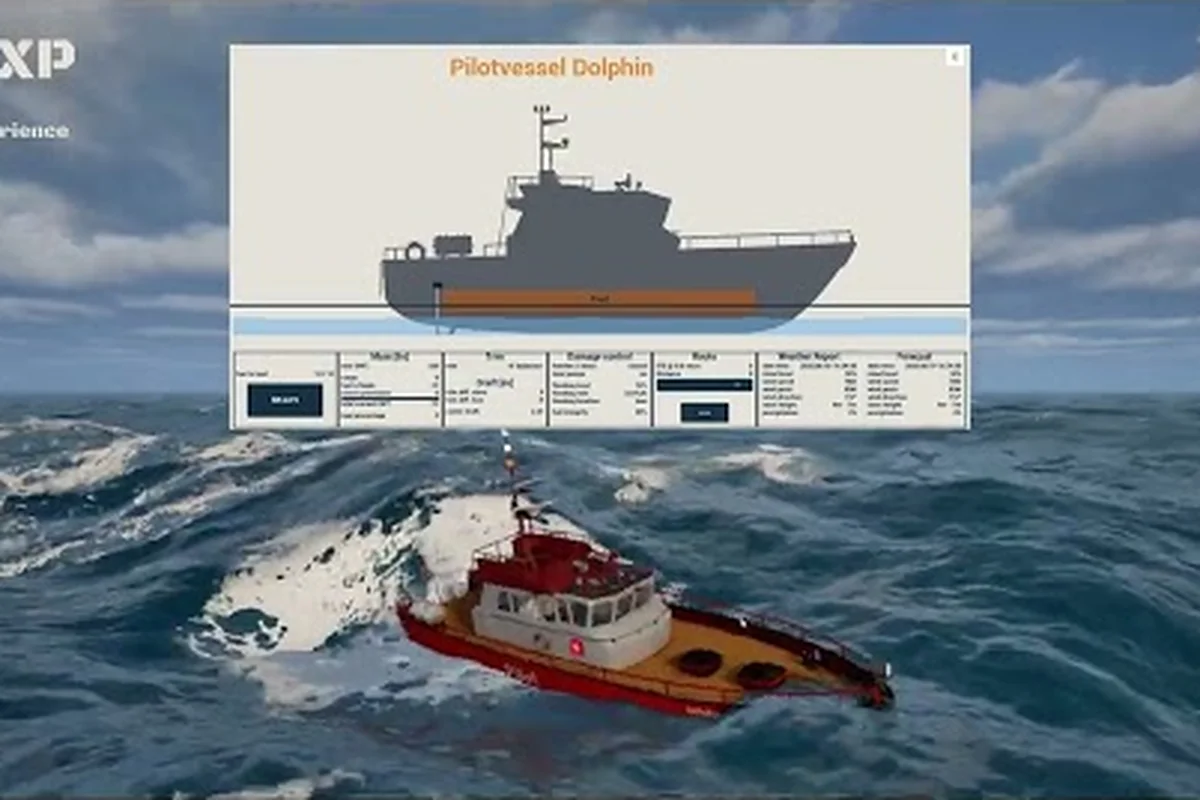
Professional Ship Simulator Weather Modes Explained
Set the right conditions with Professional Ship Simulator weather modes, comparing realistic, dynamic, and real-time options plus storm tactics.
All Articles
Professional Ship Simulator Nautical Charts: Routes
Master Professional Ship Simulator nautical charts by reading shipping lanes, plotting give-way routes, and navigation lights.
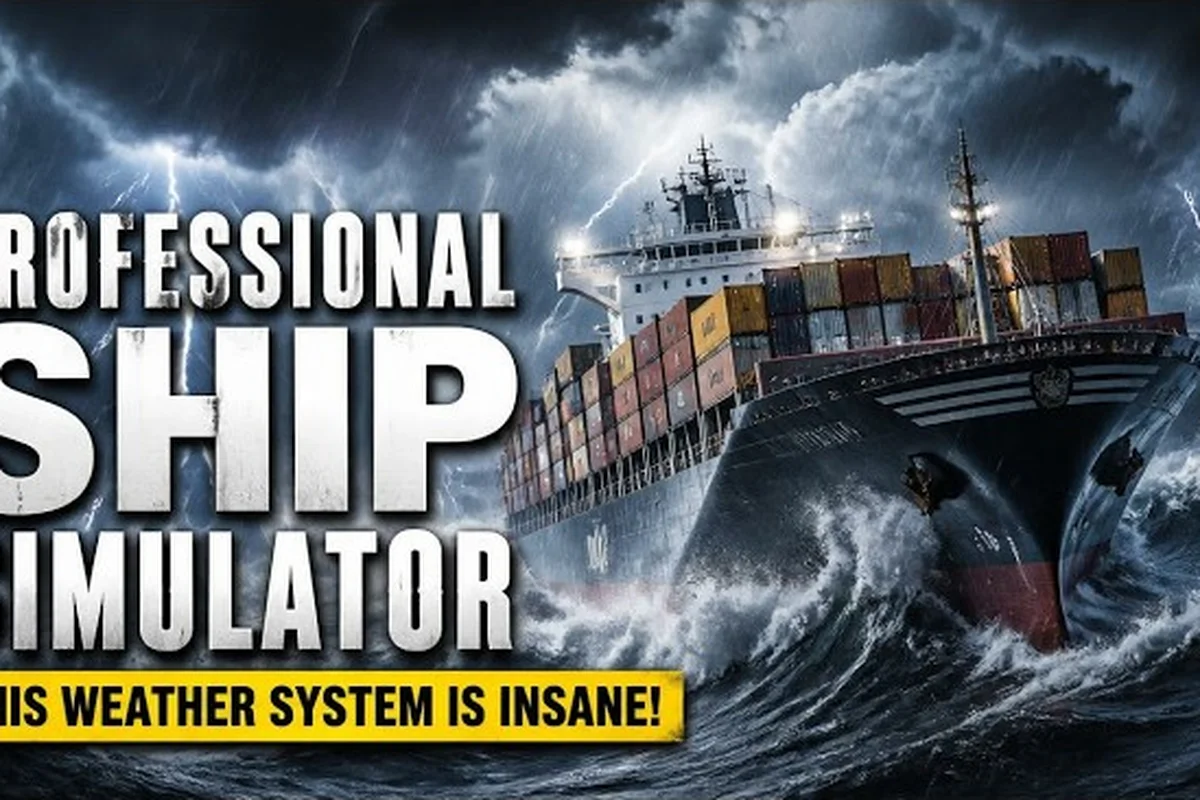
Professional Ship Simulator Sea State: Waves, Fog & Sailing
Read Professional Ship Simulator sea state like a real captain, learning wave height, wind drift, current, and fog density to plan safer day and night voyages.
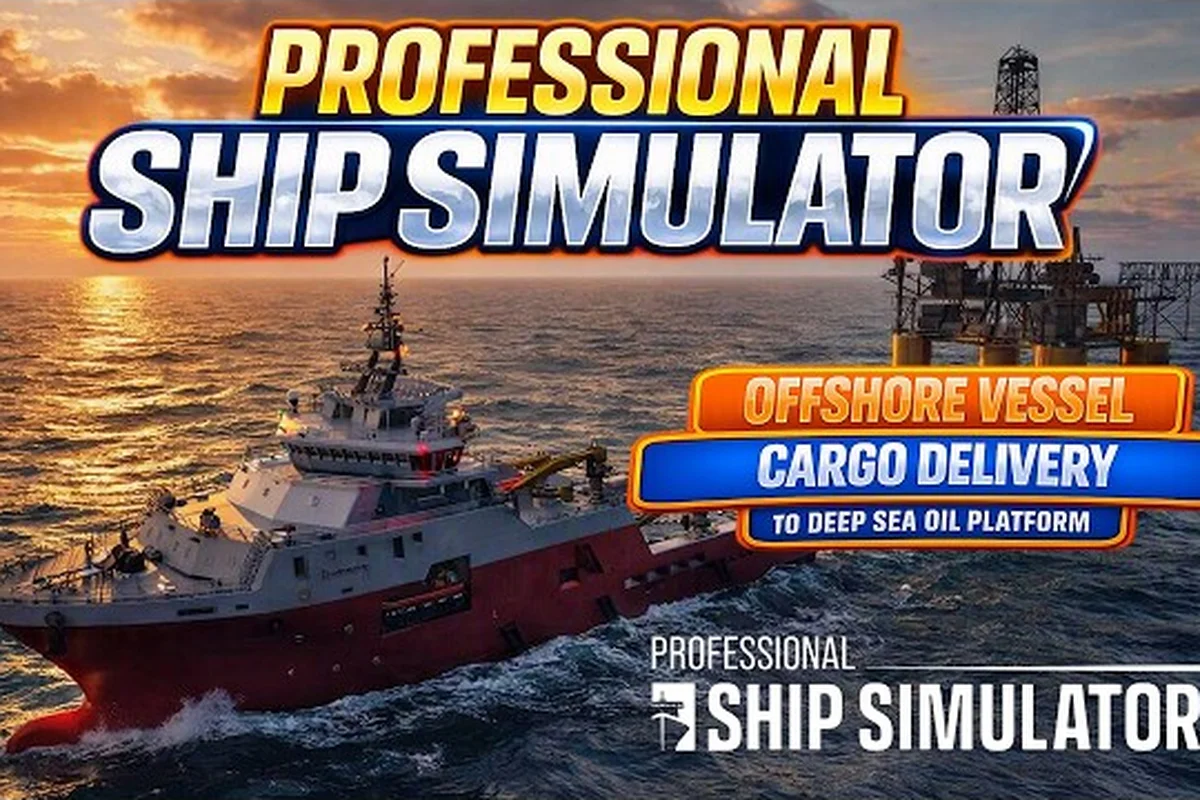
Professional Ship Simulator Wind: Drift & Forecast
Read Professional Ship Simulator wind data on the HUD to compensate for drift, read forecasts, and stay on course through harbor approaches and open water.
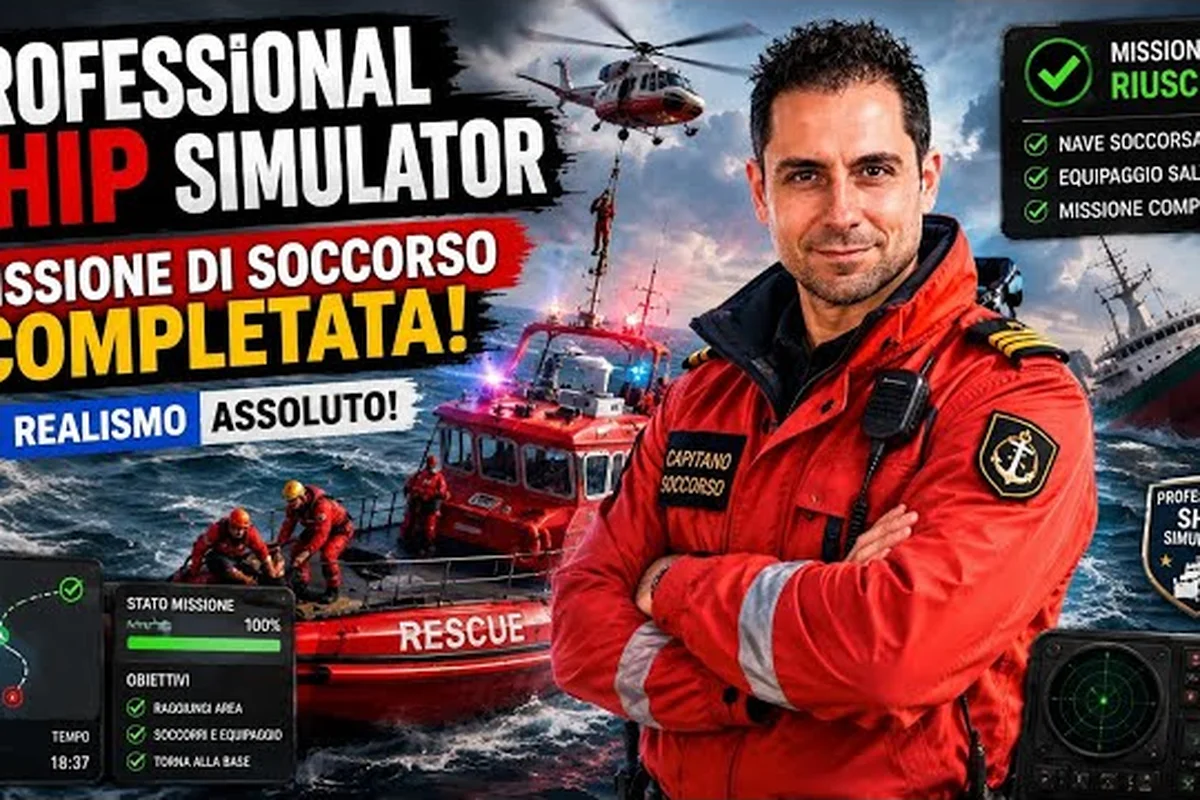
Professional Ship Simulator Buoyage: Markers & Visibility
Spot every channel marker with this Professional Ship Simulator buoyage guide covering lateral buoys, AI traffic, and safe navigation in fog.